Pattern Search
Jump to any text in the buffer, then keep going with one keystroke.
/{pattern} searches forward; ?{pattern} searches backward. n repeats the search in the original direction; N reverses it. Search is one of Vim's most powerful motions.
Vim's search is two-stage: type / (or ?) at the cursor's current line, type the pattern, press Enter. Cursor jumps to the first match. n for the next match, N for the previous.
| Key | Note |
|---|---|
| / | |
| {pattern} | |
| Enter |
| Key | Note |
|---|---|
| ? | |
| {pattern} | |
| Enter |
| Key | Note |
|---|---|
| n |
| Key | Note |
|---|---|
| N |
Reference
| Key | Action |
|---|---|
| /{pattern}Enter | Forward search |
| ?{pattern}Enter | Backward search |
| n / N | Next / previous (in original direction) |
| /Enter | Repeat last search forward |
| ?Enter | Repeat last search backward |
| `:noh` | Clear highlights |
| Ctrl-O / Ctrl-I | Jump back / forward (search jumps land here) |
Worked example — /word and n / N
Forward search, then jump through hits.
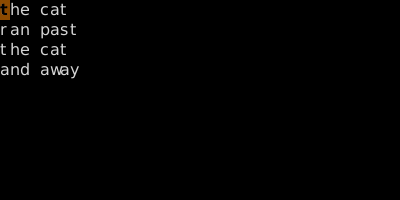
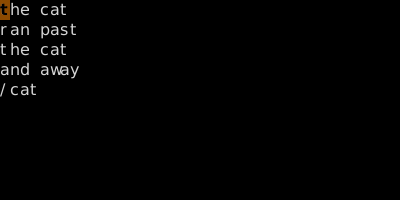
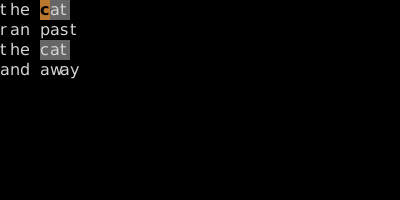
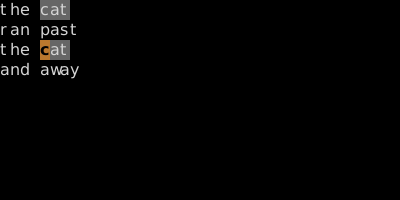
N goes back. // repeats with the same pattern; ? searches backward.
See also: Word Search, Substitute (:s), Special Registers, The Jump List