Recording and Playing Macros
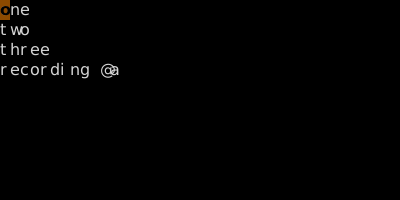
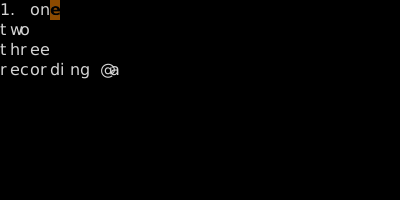
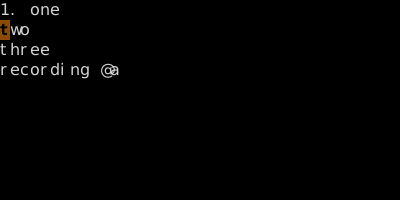
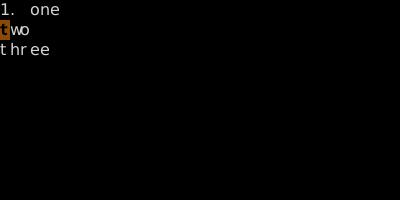
qa records into register a. q stops. @a plays.
qa starts recording into register a; press q again to stop. @a plays back. @@ replays the most recent macro.
Macros are Vim's loop. Record a sequence of keystrokes once; replay it with one key. They're how you turn 100 lines of repetitive editing into 4 keystrokes.
| Key | Note |
|---|---|
| q | |
| a |
| Key | Note |
|---|---|
| q |
| Key | Note |
|---|---|
| @ | |
| a |
| Key | Note |
|---|---|
| @ | |
| @ |
Worked example — qa ... q then @a
Record once, play forever.
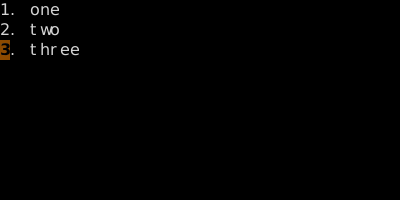
Macros are just register contents. Open the register, edit it, paste it — they're text.
See also: Counted Macros, Editing a Macro, Macros Are Just Register Contents