Buffers

Files in memory, navigated with :ls and :b.

Keys: :ls, :b, :bn, :bp, :bd

Vim loads each file into a buffer. :ls lists all buffers. :b switches to one by name or number. :bn / :bp step through them. :bd unloads a buffer.

Every file you open in Vim becomes a buffer โ€” an in-memory copy. You may have ten buffers loaded but only one window showing one of them. Navigating buffers, not windows, is how you move between files.
List buffers
KeyNote
:
l
s
Enter
Switch to buffer matching {name}
KeyNote
:
b
{name}
Enter
Next buffer
KeyNote
:
b
n
Enter
Previous buffer
KeyNote
:
b
p
Enter
Delete buffer (unload from memory)
KeyNote
:
b
d
Enter
Switch to alternate (previous) buffer
KeyNote
Ctrl-^

Worked example โ€” :ls and :b

Edit many files in one Vim session.

Step 1 ยท
windows.buffers
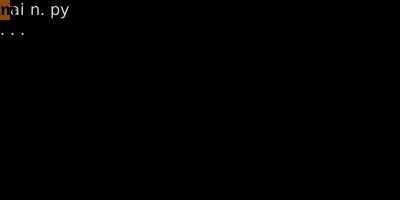
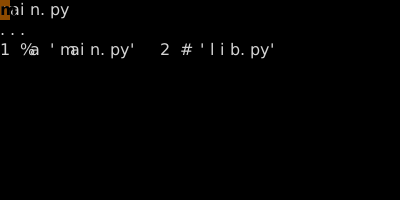
Step 2 ยท :ls ยท :ls โ€” list of loaded buffers.
:ls โ€” list of loaded buffers.
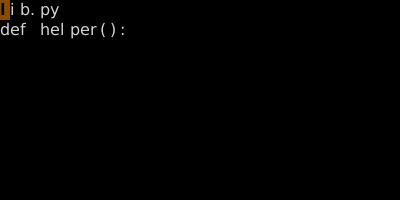
Step 3 ยท :b lib ยท :b lib โ€” switch to lib.py.
:b lib โ€” switch to lib.py.

โ–ถ Try this in the simulator

See also: Creating Splits, Tabs, Buffer vs Window vs Tab