One-Shot Normal Mode
Ctrl-O runs one normal mode command without leaving insert mode.
Ctrl-O from insert mode lets you fire one normal mode command and snap right back to insertion. The pinnacle of stay-in-flow editing.
One-Shot normal mode
Ctrl-O from insert mode runs exactly one normal mode command, then drops you back into insert mode at the new cursor position. It's the express elevator between modes.
| Key | Note |
|---|---|
| {key:Ctrl-O} | Enter one-shot normal mode |
| d | operator… |
| w | …delete word; back in insert mode |
| From insert mode | Effect |
|---|---|
| Ctrl-Odiw | Delete inner word, stay in insert mode |
| Ctrl-Ozz | Center the screen |
| Ctrl-O0 | Jump to start of line |
| Ctrl-Op | Paste at cursor |
| Ctrl-Ou | Undo last normal mode edit |
Worked example — Ctrl-O in Insert
One Normal command without leaving Insert.
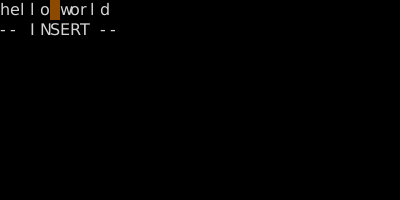
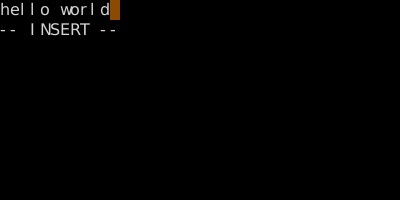
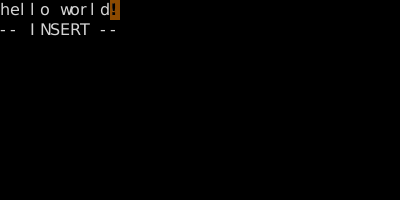
Watch
See also: Exiting Insert Mode, Editing Inside Insert Mode