gv — Re-Select
Bring back the last visual selection.
gv re-enters Visual mode with the same selection you last had — same shape, same endpoints. Essential for re-applying an operator to the same region.
gv — Re-Select
gv re-enters Visual mode with the exact same selection you last had — same shape, same lines, same characters.
| Key | Note |
|---|---|
| V5j | Select 6 lines |
| > | Indent — selection lost |
| gv | Bring it back |
| > | Indent again |
| gv> | Or just gv> repeatedly |
Worked example — gv
Re-select the previous visual region.
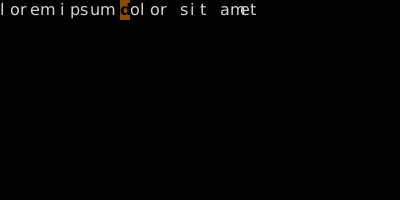
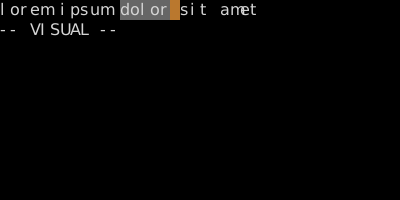
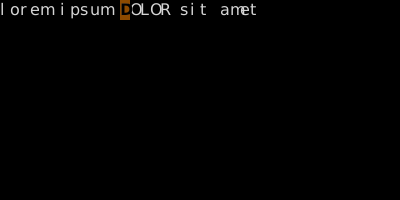
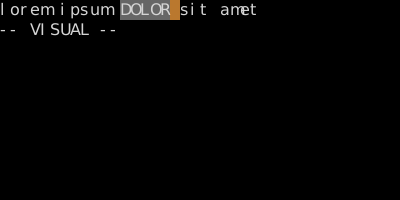
gv is great for chained visual operations.
Watch
- 📺 #0444 Block Append (not yet published)
- 📺 #0445 :'<,'> — Visual Range (not yet published)
See also: Visual + Ex Range, Operators on Visual Selections