Block Comment with Ctrl-V + I
Add a comment marker to {n} consecutive lines.
Ctrl-V to enter visual-block mode, j or count+j to select rows, I to insert at left edge, type the comment marker, Esc — the marker appears on every line.
Block Comment
Vim has no built-in "comment this block" command — but visual-block mode + capital-I gives you a one-trick replacement that works in any language.
//| Key | Note |
|---|---|
| {key:Ctrl-V} | Enter visual-block mode |
| {key:4}{key:j} | Extend down 4 more lines (5 total) |
| {key:I} | Insert at left edge of block |
| `//` | Type the marker |
| {key:Esc} | Marker appears on all 5 lines |
Uncomment
// ) from N lines| Key | Note |
|---|---|
| {key:Ctrl-V} | visual-block mode |
| {key:4}{key:j} | Down 4 lines |
| {key:l}{key:l}{key:l} | Right 3 columns to cover // |
| {key:d} | Delete the rectangle |
Worked example — Ctrl-V jjj I//<Esc>
Block-prefix many lines at once.
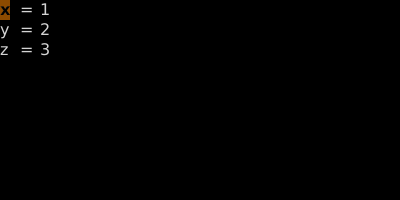
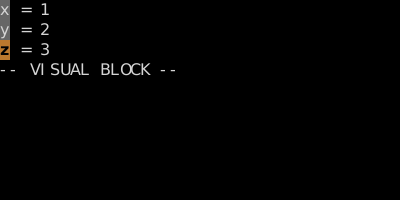
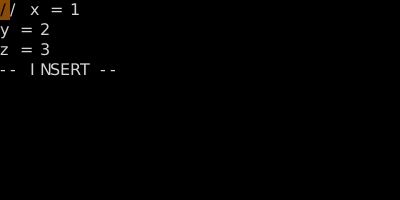
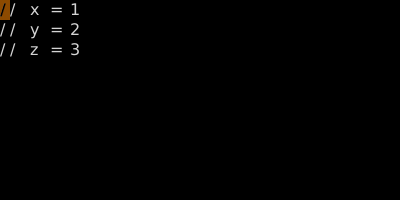
The trick: in block-Insert mode, the typing only shows on row one until you press Esc.
Watch
See also: Block Insert and Append, The Three Visual Modes