Joining Lines
J joins the next line to the current. gJ joins without a space.
J joins the line below to the current line, replacing leading whitespace with a single space (and removing comment leaders intelligently). gJ joins literally, with no whitespace fixup.
J joins the line below to the current line. By default it inserts a single space and trims leading whitespace from the joined line — almost always what you want for prose and code.
| Key | Note |
|---|---|
| J |
| Key | Note |
|---|---|
| g | |
| J |
| Key | Note |
|---|---|
| 3 | |
| J |
Worked example — J
Join two lines into one.
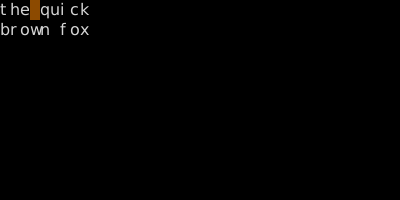
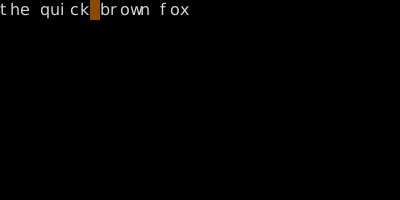
gJ joins without adding a space — useful for code.
See also: Line Motions