Case Changing
~ flips one character. gU/gu/g~ are operators.
~ toggles the case of the character under the cursor. gU is an uppercase operator; gu is lowercase; g~ toggles. Each takes a motion: gUiw uppercases the inner word.
Three operators for case: gU uppercases, gu lowercases, g~ toggles. Each takes a motion, just like d and y. ~ alone is a one-shot toggle of the character under the cursor.
| Key | Note |
|---|---|
| ~ |
| Key | Note |
|---|---|
| g | |
| U | |
| i | |
| w |
| Key | Note |
|---|---|
| g | |
| u | |
| i | |
| w |
| Key | Note |
|---|---|
| g | |
| ~ | |
| i | |
| w |
| Key | Note |
|---|---|
| g | |
| U | |
| U |
Worked example — gUw and ~
Change case without retyping.
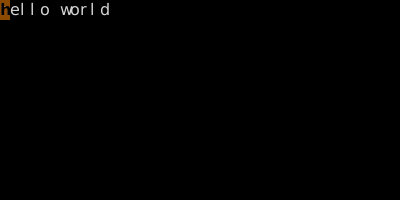
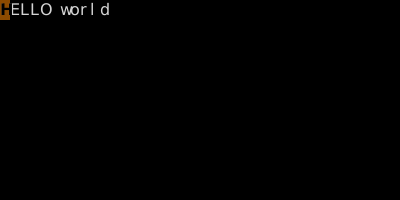
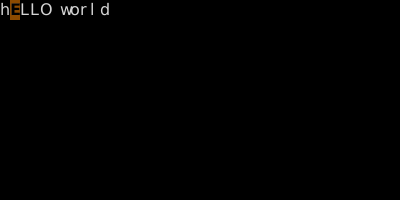
gu/gU/g~ are operators; ~ is a one-shot toggle. With visual mode you can transform any selection.
See also: The Universal Grammar, The Vim Grammar