Modal Editing
Why every key on the keyboard is a command
Vim is modal: the same keys mean different things in different modes. Normal mode is your resting state.
You spend more time reading, navigating, and restructuring code than typing new code from scratch. Think about your last hour of editing. How much of it was actually inserting new characters? Maybe twenty percent. The rest was scrolling, searching, selecting, deleting, copying, moving, and rearranging.
Most editors give you a full keyboard for the typing — and then make you reach for the mouse, hold modifier keys, or chase menus for everything else. Vim flips this. It gives you a full keyboard for the eighty percent.
That is what "modal" means. In normal mode, every key on your keyboard is a command. j moves down. w jumps forward by a word. dw deletes a word. ci" changes the text inside quotes. No mouse. No Ctrl-SCtrl-hCtrl-iCtrl-fCtrl-tCtrl--Ctrl-ACtrl-rCtrl-rCtrl-oCtrl-w. Just keystrokes.
When you need to type, press i to enter insert mode. Type what you need. Press Esc to come back. Normal mode is your resting state — the mode where you spend most of your time.
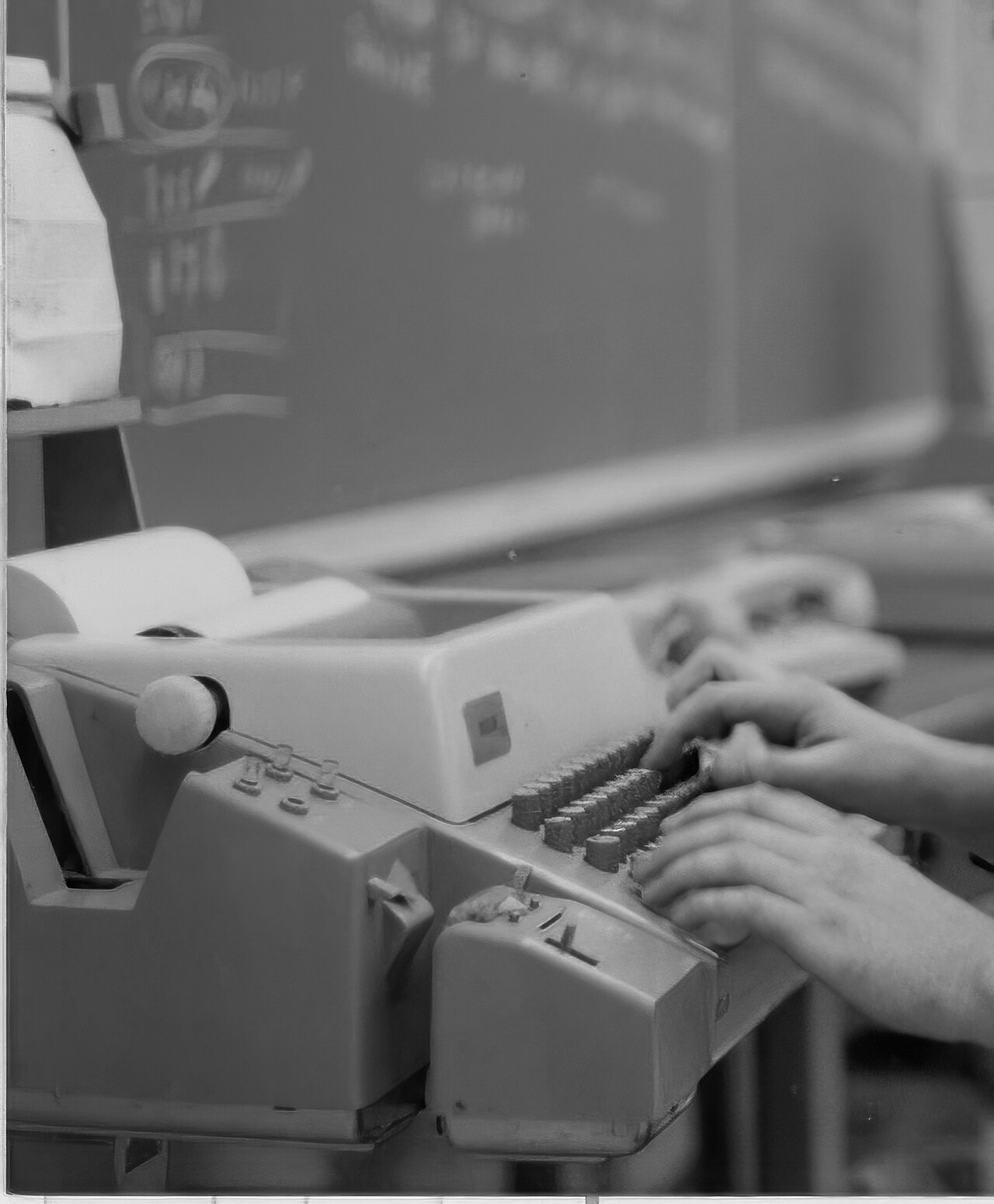
ed, the ancestor of vi, on a machine like this. Photo: Jud McCranie, CC BY-SA 3.0, via Wikimedia Commons.Why this feels backwards (at first)
Every other editor starts in what Vim calls insert mode: keys type text. Vim starts in what every other editor might call command mode: keys do things. The learning curve is real. New users press j expecting a j and instead see the cursor move. They press dd expecting two letters and the line vanishes.
Push through this. Once you internalize the grammar — once d feels like delete and j feels like down — you stop thinking in keystrokes and start thinking in edits and motions: "delete this word," "change inside these quotes," "yank this paragraph," "jump to the matching bracket." Your hands just execute.
Reference
| Key | From mode | Effect |
|---|---|---|
| i | normal | Enter insert mode with i (before cursor) |
| Esc | insert / visual / replace | Return to normal mode with Esc |
| Ctrl-[ | insert / visual / replace | Return to normal mode with Ctrl-[ (same as Esc) |
| v | normal | Enter visual mode (character-wise) with v |
| : | normal | Enter command-line mode with : |
Watch
See also: The Modes, The Universal Grammar, Insert and Back Again