Insert and Back Again
i to type, Esc to come home
Press i to enter insert mode and type. Press Esc to return to normal mode. Build the Esc reflex.
You are in normal mode. The cursor sits on a character. Keys do things — they are commands. You want to type some text. How?
| Key | Note |
|---|---|
| i |
Press i. The status line shows -- INSERT --. Now keys do what you'd expect: they type characters.
Type whatever you want. Newlines work. Backspace works. This is just typing.
Coming back
| Key | Note |
|---|---|
| Esc |
Esc returns you to normal mode. The status line empties. Keys are commands again. Ctrl-[ does the same thing — handy if your Esc key is far away.
The Esc Habit
Build a reflex: after every thought, press Esc. Finished a sentence? Esc. Finished a function name? Esc. Done with that loop body? Esc. Normal mode is your resting state, not Insert. The minute you finish typing, get back to where you can move.
This sounds annoying. After a week, you stop noticing. After a month, you no longer remember what mode you are in — you just know which command to issue, and the right mode shows up.
Reference
| Key | Action |
|---|---|
| i | Insert before cursor |
| Esc | Return to normal mode |
| Ctrl-[ | Return to normal mode (alias) |
| Ctrl-C | Return to normal mode (cancels pending state too — but does not run autocmds; usually use Esc) |
Worked example — i and Esc
Enter Insert with i; leave with Esc.

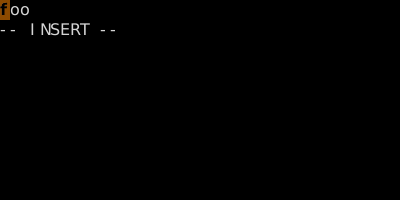
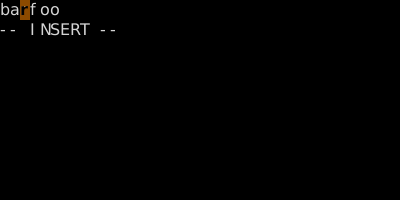
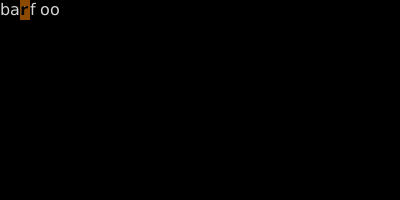
Insert mode is for typing characters; Normal mode is for everything else.
See also: Modal Editing, The Modes, More Ways into Insert, Exiting Insert Mode