Word Motions
Move a word at a time. The grammar's first real noun.
w/b/e/ge move forward and backward by word. They're motions, so they pair with operators: dw deletes a word, cw changes one, yw yanks one.
Moving one character at a time with hjkl is fine for surgery. For everything else you want to move a word at a time. That's what w, b, e, and ge do — and because they're motions, they double as the noun half of every editing command.
| Key | Note |
|---|---|
| w |
| Key | Note |
|---|---|
| b |
| Key | Note |
|---|---|
| e |
| Key | Note |
|---|---|
| g | |
| e |
Reference
| Key | Direction | Lands on | Counts |
|---|---|---|---|
| w | Forward | Start of next word | Yes |
| b | Back | Start of word | Yes |
| e | Forward | End of word | Yes |
| ge | Back | End of previous word | Yes |
| WBEgE | Same, but WORD-wise (whitespace boundaries) | — | Yes |
Worked example — w b e
Move by word boundary.
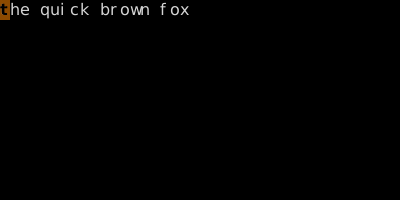
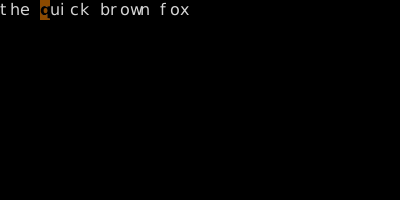
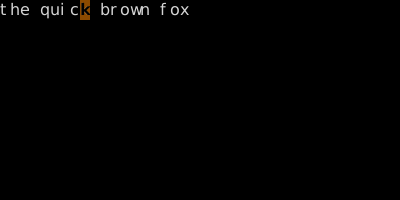
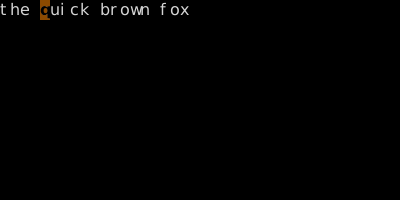
w/b move to word boundaries; e moves to the end of a word. With operators: dw, db, de all differ slightly — see grammar.
See also: Delete, Change, WORD Motions, The Universal Grammar